Guide
A Google Photos Takeout Helper alternative without the command line
Google Photos Takeout Helper (GPTH) is a free, open-source program that turns a messy Takeout into folders of dated photos. It's a good tool if you're happy in a terminal. If you're not, or it didn't match your files, here's what else you can do.
Which GPTH you have matters
| Original (TheLastGimbus) | Maintained fork (Xentraxx) | |
|---|---|---|
| Latest release | v3.4.3, September 2023 | v6.4.0, September 2026 |
| Dates | Sets each file's modified date and sorts into one folder (or by month) | Writes dates into the files' EXIF/XMP |
| Places and captions | Not written (listed as a to-do in its README) | Written from the JSON |
| Needs | The program only | ExifTool for anything other than JPEG, and 7-Zip for zips |
| License | Apache 2.0 | Apache 2.0 |
Sources: TheLastGimbus/GooglePhotosTakeoutHelper and Xentraxx/GooglePhotosTakeoutHelper on GitHub, October 2026. Newer exports name JSON files .supplemental-metadata.json and cut long names short, which caused trouble for older versions; if you tried GPTH a while ago, try the current fork before giving up.
Running the maintained fork
- Install ExifTool (
brew install exiftoolon a Mac,winget install OliverBetz.ExifToolon Windows) and 7-Zip. - Download the release for your system from the fork's Releases page.
- On Windows, double-click
gpth.exe. On a Mac or Linux, run./gpth-macosor./gpth-linuxin a terminal. It asks for the Takeout and an output folder. - Or run it directly:
gpth --input "/path/to/takeout" --output "/path/to/organized" --albums "shortcut".
Read its album options before choosing one: they differ in whether album folders get copies, links or nothing.
When a browser tool is easier
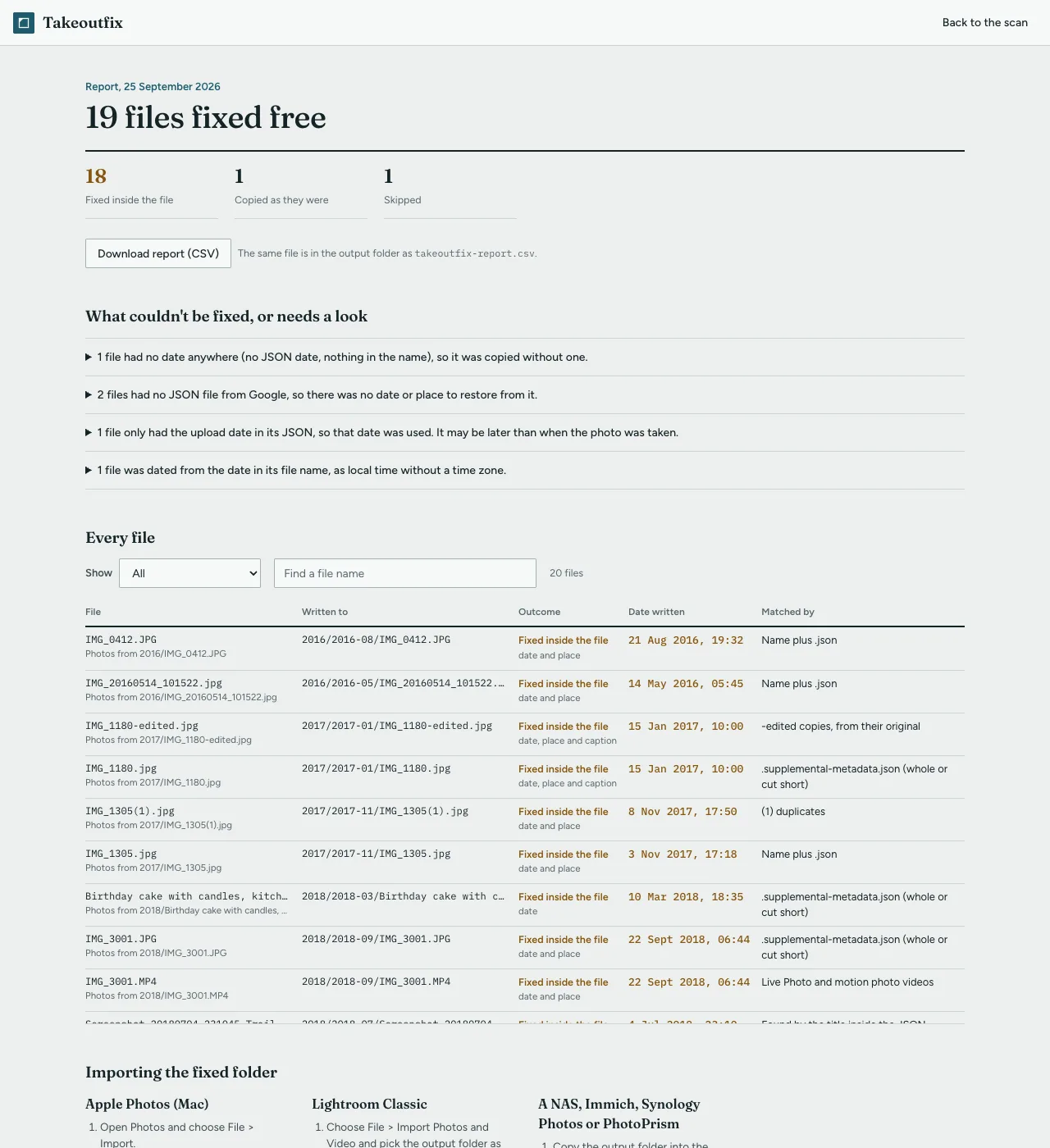
I made Takeoutfix for people who want the dates right without installing ExifTool, 7-Zip and a command-line program. It does the same core job in the browser:
- reads every zip part directly, without extracting them first,
- matches each photo and video to its JSON, including
.supplemental-metadata.json, cut-off names like.suppl.jsonand(1)duplicates, - writes the date (with the time zone offset), place and caption into a fixed copy, filed by year and month,
- shows a free scan with the match rate before you decide anything, and a report of every file afterwards.
It isn't free like GPTH: the scan and 100 photos and videos per library are free, and the whole library is $9, once. Nothing is uploaded. GPTH has things it doesn't: it's free for any number of libraries, runs on Linux and in any browser-less setup, and offers more album layouts.
The other free route: ExifTool alone
If you only need the dates written and don't care about sorting into folders, one ExifTool command does it. See fix the wrong dates free with ExifTool.
Related guides
- A Metadata Fixer alternative that runs in your browser
- Google Takeout JSON files: what they are and what to do with them
- .suppl.json, ..json and other cut-off names in Google Takeout
Takeoutfix matches every photo and video in your Takeout to its JSON, writes the date, place and caption back into the files, and files a fixed copy by year and month. It runs in your browser and nothing is uploaded. The scan is free, and so is fixing 100 photos and videos from your own library to check the result. The whole library is $9, once.
Scan your Takeout free